
Explore Databases
In the modern digital era, data is one of the most valuable assets for any organization. To leverage this data effectively, systems must be able to store, retrieve, manipulate, and manage it efficiently. This is where Databases and Database Management Systems (DBMS) come into play.
1
Sub-Topics
10
Courses
8
Learners
Introduction to Databases and DBMS
In the modern digital era, data is one of the most valuable assets for any organization. To leverage this data effectively, systems must be able to store, retrieve, manipulate, and manage it efficiently. This is where Databases and Database Management Systems (DBMS) come into play.
While the terms "Database" and "DBMS" are often used interchangeably, they refer to two distinct but closely related concepts:
- Database: A structured, organized collection of data stored electronically in a computer system. It acts as a digital repository where information is kept systematically so that it can be easily accessed, managed, and updated.
- Database Management System (DBMS): The software interface that sits between the database and its end-users or application programs. It allows users to create, read, update, delete, and manage data within the database while ensuring its security, integrity, and consistency.
Core Components of a DBMS
A DBMS is not a single program but a complex system composed of several interacting components:
1. Hardware
The physical devices that facilitate data storage and processing. This includes hard drives, Solid State Drives (SSDs), servers, processors (CPUs), and random-access memory (RAM).
2. Software
The actual DBMS software application (such as MySQL, Oracle, or MongoDB) that controls the database. It also includes the operating system, network software, and application programs used to access the data.
3. Data
The most critical component of the system. The DBMS manages both the operational data (the actual records) and the metadata (data about data, such as table structures, data types, and constraints), which is stored in a data dictionary.
4. Procedures
The instructions and rules that govern the design and use of the database. This includes guidelines on how to log in, back up data, handle system failures, and generate reports.
5. Database Access Language
The language used to write commands for accessing, modifying, and retrieving data. The most common database access language is SQL (Structured Query Language), used primarily in relational databases.
Types of Databases
Databases have evolved significantly to meet diverse data storage and processing requirements. The primary types of databases include:
Relational Databases (RDBMS)
Relational databases organize data into pre-defined tables consisting of rows (tuples) and columns (attributes). They use SQL for data manipulation and are highly structured. Relationships between tables are established using primary and foreign keys.
- Examples: MySQL, PostgreSQL, Oracle Database, Microsoft SQL Server.
Non-Relational Databases (NoSQL)
NoSQL (Not Only SQL) databases are designed to handle unstructured, semi-structured, or rapidly changing data. They do not rely on traditional table structures and offer high scalability. NoSQL databases are categorized into four main types:
- Document Databases: Store data in JSON-like documents (e.g., MongoDB).
- Key-Value Stores: Store data as simple key-value pairs (e.g., Redis).
- Column-Family Databases: Optimize storage for queries over large datasets by storing data in columns instead of rows (e.g., Apache Cassandra).
- Graph Databases: Focus on the relationships between data points, represented as nodes and edges (e.g., Neo4j).
Distributed Databases
These databases store data across multiple physical locations, such as different computers or networks. Despite being physically separated, they appear to the user as a single, unified database.
Cloud Databases
Databases optimized or built specifically for virtualized environments, such as AWS, Microsoft Azure, or Google Cloud. They offer flexible scaling, high availability, and a pay-as-you-go pricing model.
- Examples: Amazon RDS, Google Cloud Spanner, Snowflake.
Key Functions of a DBMS
A robust DBMS performs several critical background operations to ensure data remains secure, accurate, and accessible:
Data Dictionary Management
The DBMS stores definitions of the data elements and their relationships (metadata). When an application requests data, the DBMS uses the data dictionary to locate and retrieve it.
Data Storage Management
The DBMS handles the complex task of storing data on physical disks. It optimizes storage structures to ensure fast data retrieval and efficient disk space utilization.
Concurrency Control
In multi-user environments, multiple users may attempt to access or modify the same data simultaneously. The DBMS uses locking mechanisms and transaction protocols to prevent data conflicts and ensure consistency.
Security Management
The DBMS enforces security policies to protect data from unauthorized access. It manages user accounts, access permissions, and encryption.
Backup and Recovery
To prevent data loss due to hardware failure, power outages, or software crashes, the DBMS provides automated backup utilities and recovery procedures to restore the database to a consistent state.
Transaction Management (ACID Properties)
To guarantee data integrity, a DBMS ensures that all database transactions comply with the ACID properties:
- Atomicity: A transaction is treated as a single, indivisible unit. Either all of its operations succeed, or none do.
- Consistency: A transaction must transition the database from one valid state to another, maintaining all database rules and constraints.
- Isolation: Concurrent transactions must execute without interfering with one another.
- Durability: Once a transaction is committed, its changes are permanently saved, even in the event of a system crash.
DBMS Architecture
DBMS architecture can be categorized based on how users connect to the database and how the processing load is distributed:
1-Tier Architecture
The user directly sits on the DBMS and makes changes. Any changes made here will directly affect the database itself. It is primarily used for local application development where programmers can directly interact with the database.
2-Tier Architecture
A basic client-server architecture. The application on the client machine directly communicates with the database on the server side. User interfaces and application programs run on the client side, while the database runs on the server side.
3-Tier Architecture
The most common architecture used for web applications. It adds an intermediate layer (Application Server) between the client and the database server:
- Presentation Layer (Client): The user interface (e.g., a web browser).
- Application Layer (Middle Tier): Handles business logic and processes requests.
- Database Layer (Data Tier): Stores and manages the actual data.
Advantages and Disadvantages of a DBMS
Advantages
- Reduced Data Redundancy: Minimizes duplicate data by storing it in a single, centralized location.
- Improved Data Sharing: Allows multiple users and applications to access the same data securely.
- Data Integrity: Enforces constraints (such as unique IDs or format rules) to ensure data accuracy.
- Data Independence: Separates the data structure from the application programs, meaning changes to the database structure do not require rewriting the application code.
- Standardized Administration: Simplifies data management through centralized control and standardized query languages.
Disadvantages
- High Cost: Purchasing enterprise DBMS software, high-performance hardware, and hiring skilled database administrators (DBAs) can be expensive.
- Complexity: Designing, implementing, and managing a DBMS requires specialized knowledge.
- Single Point of Failure: Because data is centralized, a failure in the database server can impact all connected applications unless robust redundancy is configured.
- Performance Overhead: The security, integrity, and concurrency checks performed by a DBMS can sometimes slow down data processing speeds compared to simple file systems.
Topic Overview
- 10 Courses available
- 8 Active learners
Featured Courses
Top picks hand-selected by our team for Databases.
All Databases Courses
Browse all courses in Databases.

Enterprise Java Backend with Spring Framework & Spring Boot: From First Principles to Production
Master enterprise Java backend engineering with Spring Framework and Spring Boot. Learn IoC, dependency injection, Spring MVC, Hibernate, JPA transactions, JWT authentication, OAuth 2.0, and automated testing from first principles to build production-grade web applications.

Visualizing Eigenvalues and Eigenvectors: The Essence of Linear Algebra
Master the visual intuition behind eigenvectors and eigenvalues. Learn how linear transformations stretch space, how to calculate eigenvalues, and why an eigenbasis is crucial for simplifying complex computations in physics, machine learning, and high-dimensional vector databases.
System Design & Containerization Masterclass: Building Scalable Distributed Systems
Master the fundamentals of scalable system design and containerization. Learn to design high-availability distributed systems, manage SQL/NoSQL databases, implement caching, and orchestrate services using Docker and Docker Compose to handle millions of users efficiently.
Mastering Redis: From Key-Value Essentials to Next.js Integration
Unlock the power of Redis as a primary database. In this beginner-friendly course, you will learn to manage key-value pairs, implement robust data structures like sets and hashes, connect to cloud instances, build Next.js applications, and optimize performance using pipelines and Redis Stack.
Mastering AWS Cloud Foundations: CLF-C02 Certification Prep
Master core AWS services, cloud security, architecture, and billing models to ace the AWS Certified Cloud Practitioner (CLF-C02) exam. This comprehensive, structured guide provides foundational cloud knowledge, practical service overviews, and key exam preparation strategies for success.

Python Programming Masterclass: From Basics to Machine Learning and Web Development
Master Python programming from scratch. Go from fundamental syntax to building real-world projects in automation, machine learning with scikit-learn, and web development with Django.

AI-Assisted Database Engineering: Master Claude Code for System Design
Learn to leverage Anthropic's Claude Code CLI to refactor, build, and optimize high-performance database systems. Explore installation, shell modes, and sub-agents while analyzing NoSQL migrations from MongoDB to ScyllaDB.

Building Intelligent AI Agents with Python and LangChain
Master the LangChain Python framework to build intelligent, autonomous AI agents. Learn to implement conversations, streaming, RAG with vector stores, dynamic prompts, and custom middleware for production-ready applications.
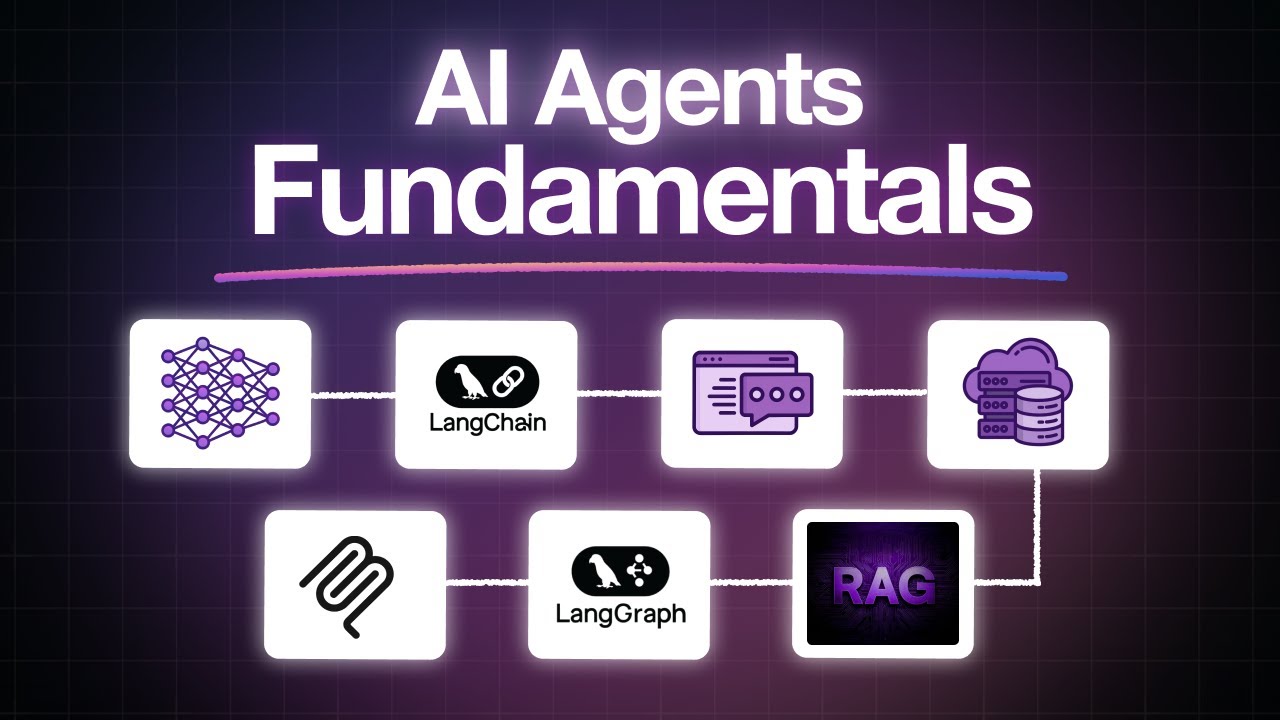
Architecting Production-Ready AI Agents: From LLM Fundamentals to Multi-Agent Workflows
Master the fundamentals of AI agents, LangChain, vector databases, and RAG. Learn to build stateful multi-agent workflows with LangGraph and integrate external tools using the Model Context Protocol (MCP) through hands-on labs.

Production-Ready AI Agents with Python: From Foundations to Agentic Systems
Master Python for AI development, build reliable AI agents from first principles, implement high-performance hybrid search RAG pipelines, and establish systematic LLM evaluations for production-grade systems.
Popular Channels
Discover the best YouTube creators in this space.


Learn from the Best
Top educators from YouTube, all in one place.

Caleb Curry
@codebreakthroughProgramming Made Fun and Simple Business inquiries: calebcurry@kernelmanagement.com High quality tutorials that are fun, educational, and easy to follow. Teaching programming is my passion! I find joy in making complex material easy to understand. As an Amazon Associate I earn from qualifying purchases.

Coder Army
@coderarmy9Hi Coder, We are on a mission to create Best Coder in our Country and for that we are putting best content for Students. I am Rohit Negi who graduated from IIT Guwahati and got Highest Placement in India in 2021. I got AIR 202 in GATE CSE in 2020. Brand Collaboration: rohitnegi.business9@gmail.com

freeCodeCamp.org
@freecodecampLearn math, programming, and computer science for free. A 501(c)(3) tax-exempt charity. We also run a free learning interactive platform at freecodecamp.org
Didn't find what you were looking for?
Explore other topics or browse all courses to find exactly what you're looking for.