
Mastering n8n: The Complete Workflow Automation Guide
Master n8n from scratch. Learn to set up self-hosted or cloud instances, build advanced multi-path automation workflows with core nodes, manipulate complex JSON data, and implement robust error handling to build resilient integrations.

Course Overview
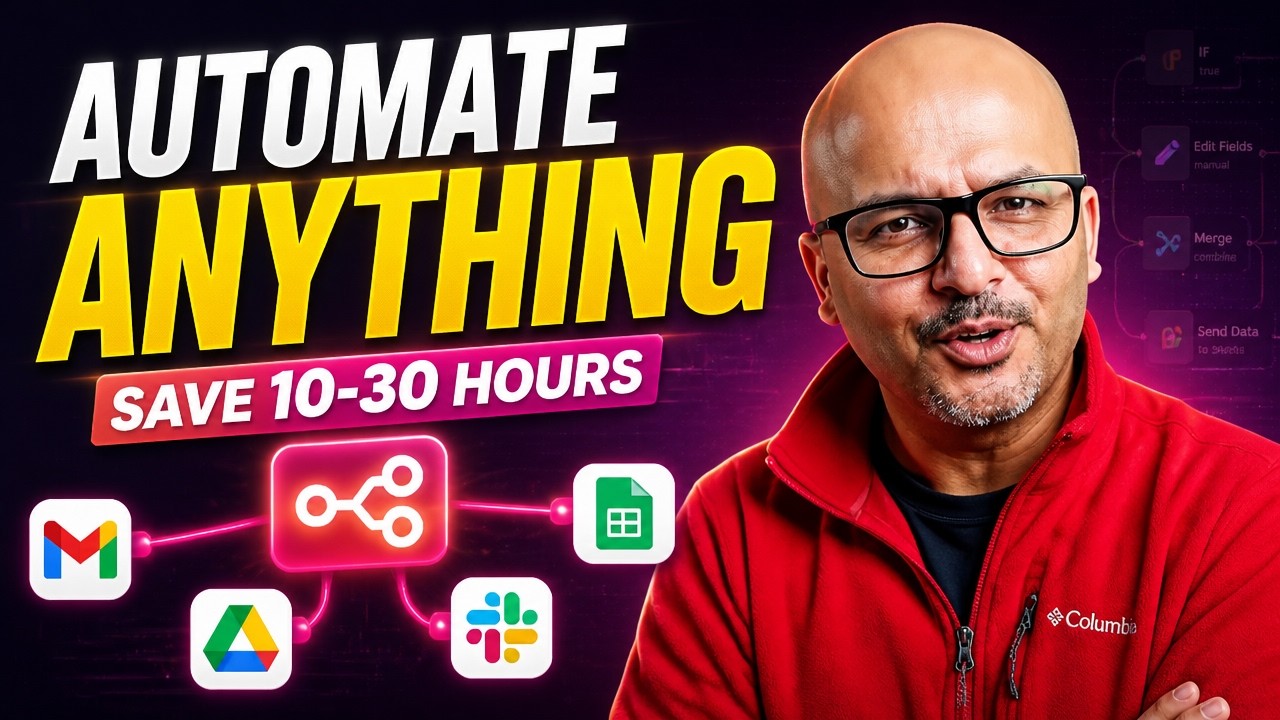
We are thrilled to bring you the ultimate guide to mastering n8n, the premier node-based workflow automation tool. This course is designed to take you from a complete beginner to an advanced automation engineer capable of building, debugging, and scaling complex workflows.
What You'll Learn
Multi-Environment Setup: Install and run n8n on n8n Cloud, locally via NPM, or containerized using Docker Desktop. Core Node Mastery: Deep dive into essential nodes including Merge, Set, Aggregate, Loop, HTTP, and Code nodes. Data Manipulation: Understand how data flows in n8n, handle JSON structures, manipulate lists, and process binary files. Advanced Logic & Code: Integrate custom Python or JavaScript using the Code node and construct complex conditional routing. Resilient Error Handling: Build production-ready workflows that handle failures gracefully using error triggers and execution logs.
Prerequisites
No prior automation experience required, though familiarity with basic programming concepts (JSON, APIs) is helpful. A computer capable of running Docker Desktop or Node.js for local setups.
Tools & Technologies
n8n (Cloud, NPM, Docker) APIs & Webhooks Airtable, Notion, Slack, and Google Workspace
Course Content
Introduction to Workflow Automation & n8n
Course Introduction & Overview
What is Automation & Your First n8n Demo
What is n8n & Why It's the Best Automation Tool
n8n vs Zapier vs Make.com — Full Comparison
Installing and Configuring n8n
Setting Up n8n Cloud Step-by-Step
Installing n8n Locally with NPM
Installing n8n Locally with Docker Desktop
Navigating the n8n User Interface and Canvas
Working with Data and Core Nodes
Understanding Data in n8n: JSON, Lists, and Items
Smart Branching and Routing Workflows
Combining Data Streams with the Merge Node
Transforming Data with the Set Node
Aggregating and Cleaning Lists
Looping Over Items for Batch Processing
Advanced Integration and Logic
Branching and the Merge Node
Webhooks and Google Forms Integration
Mastering Conditional Logic & If-Else Node
Looping Over Items and Batching
Custom Code, APIs, and Sub-Workflows
Writing Custom JavaScript and Python in the Code Node
Mastering n8n Item Linking and Data Flow
Connecting to Any API with the HTTP Request Node
Designing Modular Sub-Workflows
Robust Error Handling and Debugging
Configuring Node-Level Error Settings
Advanced Error Handling Strategies
Debugging with Execution Logs
Global Error Workflows and Special Nodes
This course includes
- 10h 10m on-demand video
- 26 lessons across 6 chapters
- 6 interactive quizzes
- Access on mobile and desktop
- Source playlist on YouTube
About the Channel
I help solopreneurs build AI systems that grow revenue without growing workload. GenAI Unplugged is where you learn to automate content, leads, and operations using n8n, Claude, Claude Projects, Claude Code, and practical AI tools. No jargon. No fluff. Just what works. 🔹 What You'll Find Here → Full n8n courses and step-by-step tutorials → Claude, Claude Projects, and Claude Code for building AI systems → AI agents, RAG, MCP, and prompt engineering explained simply → Real workflows you can use, sell, or build a business around 🎯 Who's This For? Solopreneurs, freelancers, consultants, and small service business owners who are done doing everything by hand. 📬 Get the Newsletter (Free) Twice-weekly tutorials on AI automation. Practical. No fluff. → Subscribe: https://genaiunplugged.substack.com 🔗 Links → Website: https://genaiunplugged.com → LinkedIn: https://www.linkedin.com/in/dheerajsharma14/ New videos weekly. Stop watching, start automating.
Share
Related Courses
Mastering AI Fluency: The 4D Framework for Collaborative AI
Develop a practical framework for human-AI collaboration. Learn to effectively delegate, describe, discern, and apply diligence when working with generative AI models like Claude.
Mastering WebSockets: Building Real-Time Bidirectional Applications
Learn the fundamentals of WebSockets, from the HTTP handshake to building live client-server applications. Explore real-time architecture, pros and cons, and production scaling.

Data Analysis and Visualization Fundamentals with Python, Pandas, and Matplotlib
Master the basics of data science by learning how to analyze and visualize real-world datasets. Using Python, Pandas, and Matplotlib within Jupyter Notebooks, you will plot population growth trends and compare relative data.